










Jotform
Form Builder & Data Management
 MENU
MENU SEARCH
SEO Expert Lucas Renfroe is back with some website security tips to prevent you from contracting a digital virus.

OK, OK, OK, your website can't actually contract the CoronaVirus, but it can get all kinds of digital viruses and nasty stuff from all over the web. Website security should be taken very serious and you should have protection in place for stopping potential attacks.
We manage and maintain tons of websites and every single one of them is attacked at least once a month. Having security in place to know that this is happening and to stop these threats is vital. Without security in place, attackers could take over your site and render it useless or re-direct pages to spam. We have seen attackers hijack a site and request funds via bitcoin to regain control of the site.
Here are my top tips for keeping your website safe:
1. Keep your CMS up to date: This means updating and maintaining the CMS (Content Management System) that your website is built on. If you are using Squarespace, Wix, Weebly or another DIY builder, these companies typically keep your CMS updated. If you are using Wordpress, Joomla or Drupal, you are required to update the CMS when updates are released. It is important that with each update you double check your site to ensure that nothing has "broken".
2. Keep plugins or add-ons up to date: With any website builder, you can utilize plugins or add-ons that can enhance your website. Wordpress uses plugins and it is important to ensure you are updating and maintaining these plugins. There are opportunities for hackers to utilize weaknesses in plugins to inject code into your site. Make sure you (or someone) keeps these up to date and that they are compatible with your current version of the CMS.
3. Update your administrator username and password: Having a complex username and password is an excellent way to thwart possible attackers. Attackers will attempt to login to the administrative panel of your website by using standardized usernames and passwords. The most typical username we see used in attacks is "admin" or "administrator". Never use one of these as your username. Also use a complex or strong password that cannot be guessed.
4. Install an SSL Certificate: An SSL certificate is typically issued by a hosting provider and can provide a certificate that ensures safe data transmission. But don't fall into a sense of security that all you need is an SSL. This is just one piece of the puzzle! Google has announced that they will boost you up in the search rankings if you use HTTPS, giving this an SEO benefit too. Insecure HTTP is on its way out, and now's the time to upgrade.
5. Use a security plugin or add-on: All of our websites are built in Wordpress and we utilize a few security plugins dependent on the type of business. Our top recommendation is Wordfence. Wordfence is a powerful plugin that is great for most small businesses. If you are searching for a plugin / add-on for security, please make sure that it can scan your site for issues, provide a firewall, and login security / brute force attacks.
If you are concerned about your website security and would like a free security consultation, please reach out to Lucas Renfroe!
About the Author: Lucas Renfroe is a founding partner of Salon.Marketing, a digital marketing agency specializing in the salon and spa industry. Lucas also owns Roots Southern Salon, with his wife Susan, in Savannah, GA. He works with other salon owners on a daily basis to overcome the challenges of leveraging Search Engines to generate more new clients. You can reach him at lucas@firstpagelife.com or follow him on Instagram https://www.instagram.com/salonmarketingguy/
Form Builder & Data Management
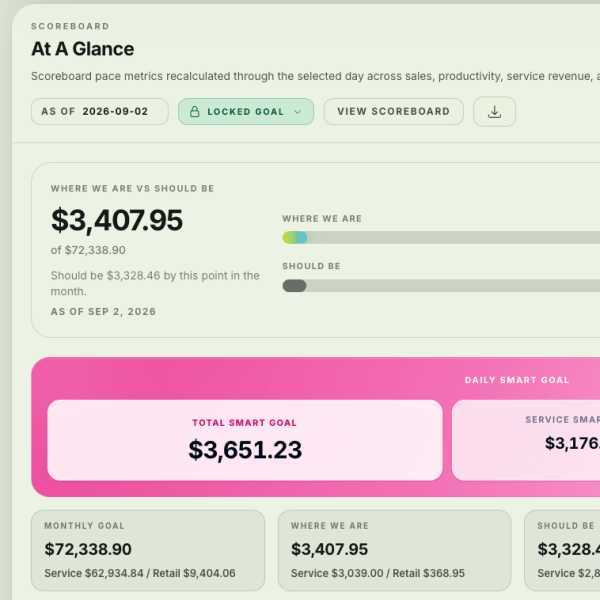
Financial & Team Management Software

Multi-Location Management Software
Business Management, POS & Booking
AI Front Desk
Growth Marketing Software Solutions
Business Management & Booking Software

As technology evolves at an accelerated rate, you want to make sure you have the best in your business toolkit to help you grow sales, motivate your team, communicate with your current and future clientele, and streamline your managerial tasks. The 2026 SALON TODAY Technology Solutions Guide is designed to help you navigate today's growing landscape of salon and spa technology. In this guide, you'll find a curated look at more than 50 of the latest software platforms, digital solutions, and innovative features to help you compare options and identify the best fit for your business.
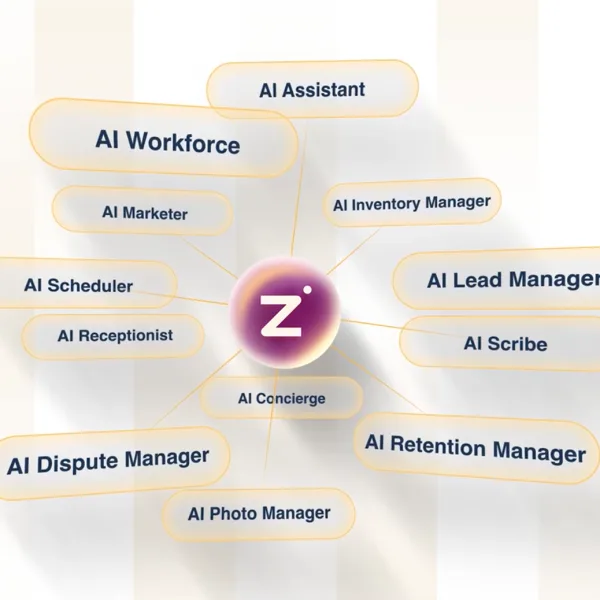
AI-Powered Salon Software
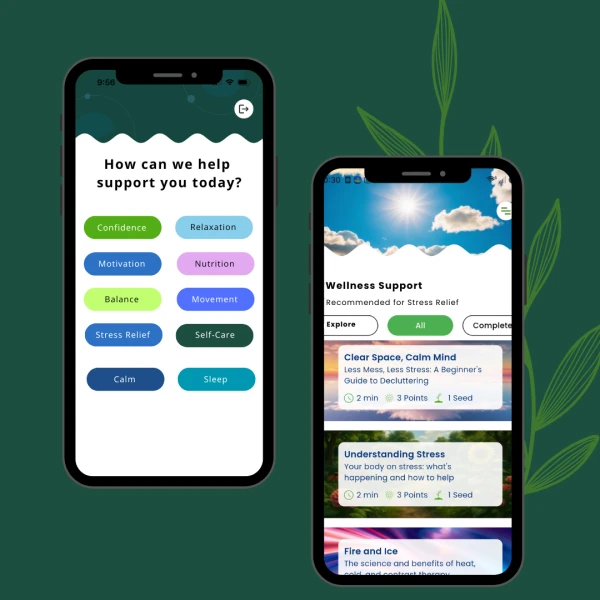
Employee Wellbeing Platform
Business Management
Tipping Software
SMS Management
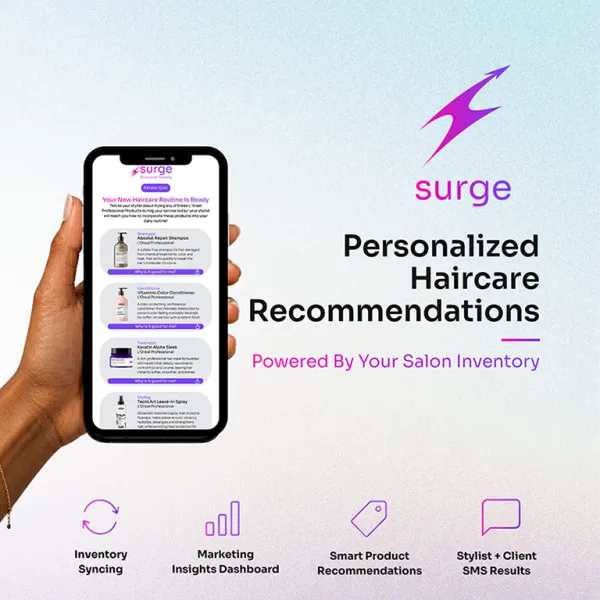
AI Retail Sales
Supply System
Tipping App
Business Management